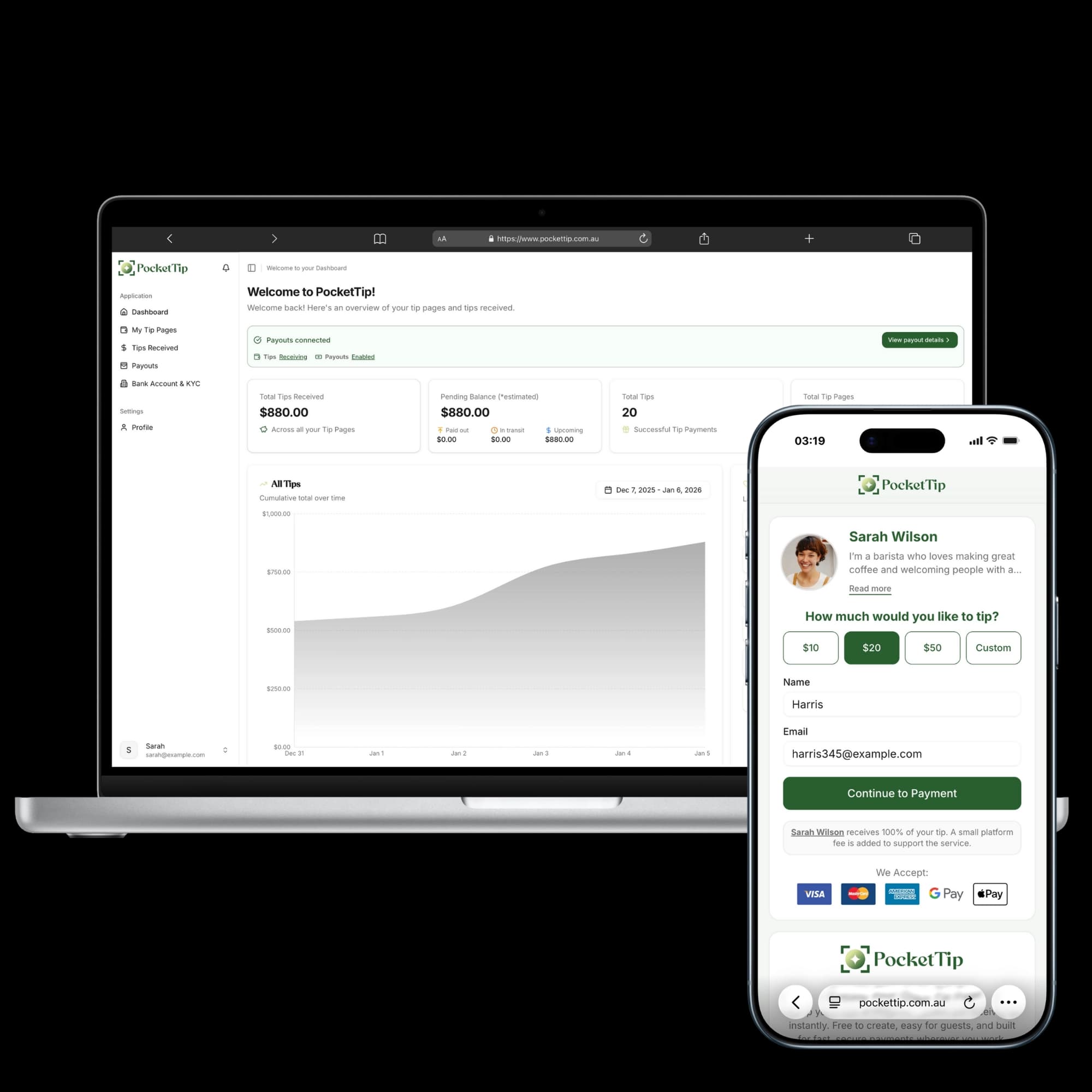
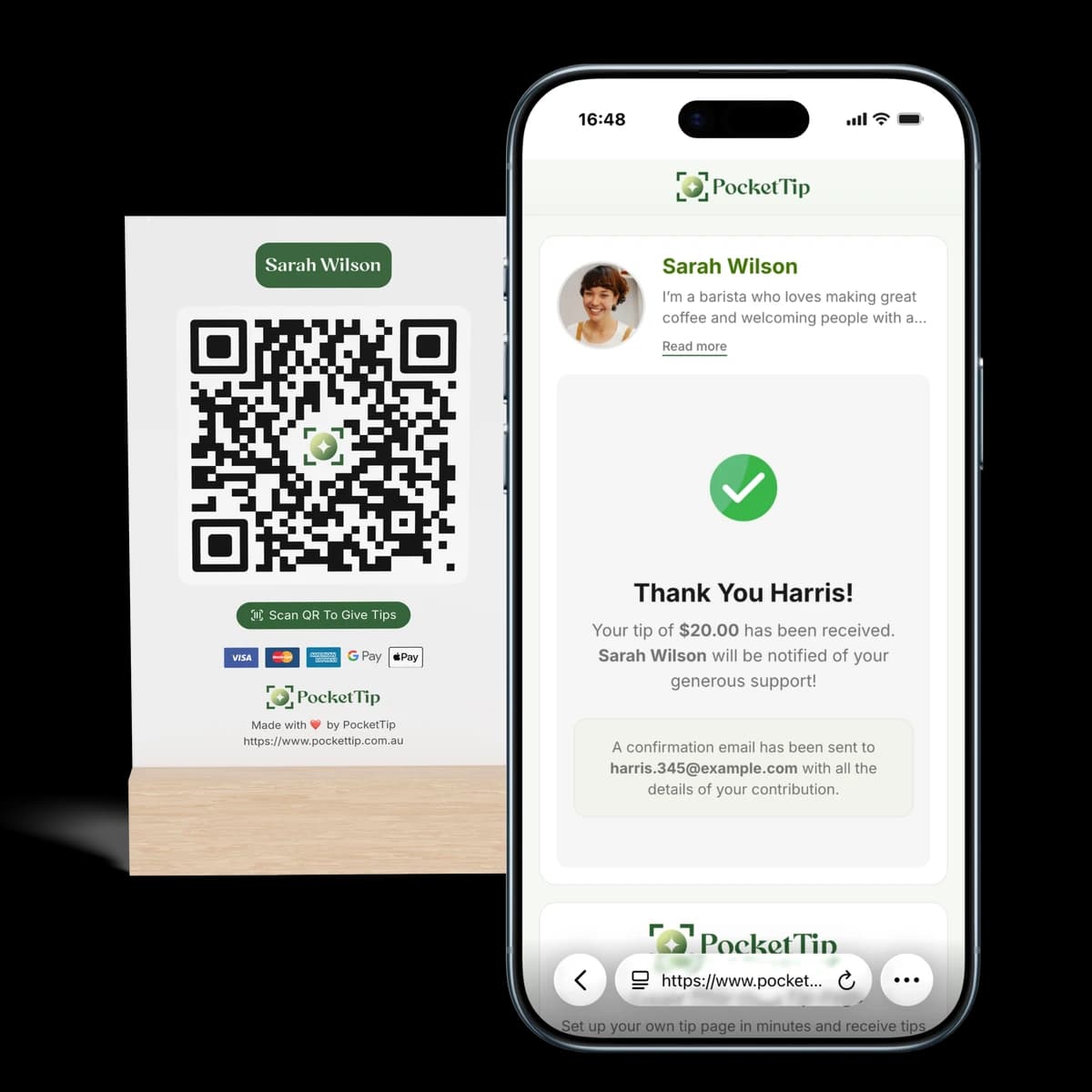
Trusted by Australian service workers
Get Tipped When Customers Don't Carry Cash
Customers scan your QR code and tip with card, Apple Pay, or Google Pay. Digital tipping for Australian baristas, bartenders, waitstaff, and drivers. Free setup, weekly payouts to your bank.
Built for Anyone Who Earns Tips
PocketTip helps Australian service workers and independent earners receive instant cashless tips even when customers don’t carry cash.
Setup Your Tip Page in Under a Minute
Set up your PocketTip tip page, share your QR code, and start receiving instant cashless tips via card, Apple Pay, or Google Pay.
How QR Code Tipping Works in Australia (Complete Guide)
Australia is going cashless. QR code tipping lets customers pay digitally using their phones perfect for hospitality workers, baristas, bartenders, and service workers across Sydney, Melbourne, Brisbane, and beyond.
Customers scan your QR code with their phone camera, choose a tip amount, and pay using card, Apple Pay, or Google Pay no app download required.
Perfect for Australian hospitality workers, café baristas, restaurant servers, bartenders, rideshare drivers, and anyone who earns tips in our cashless economy.
Display your QR code where customers can see it
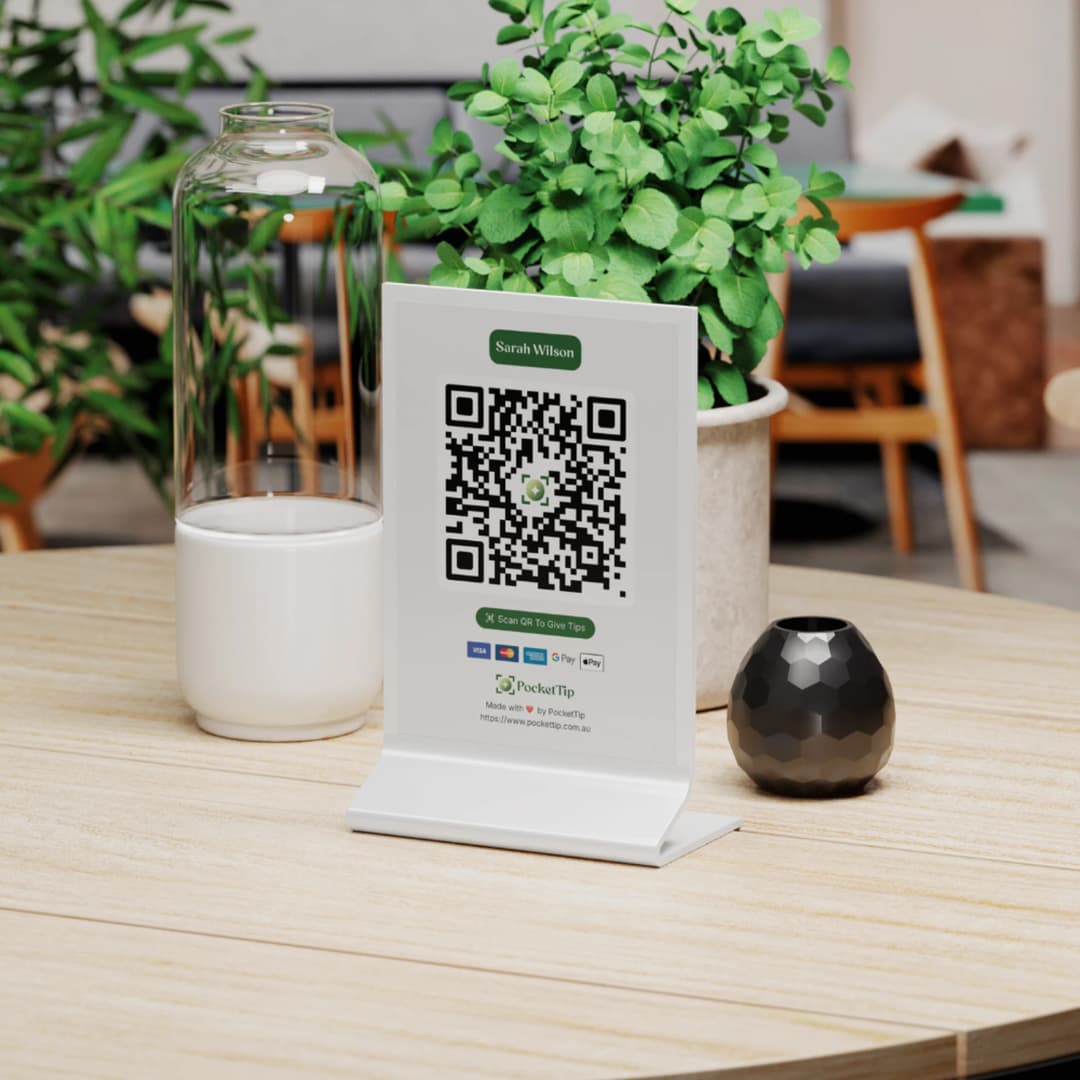
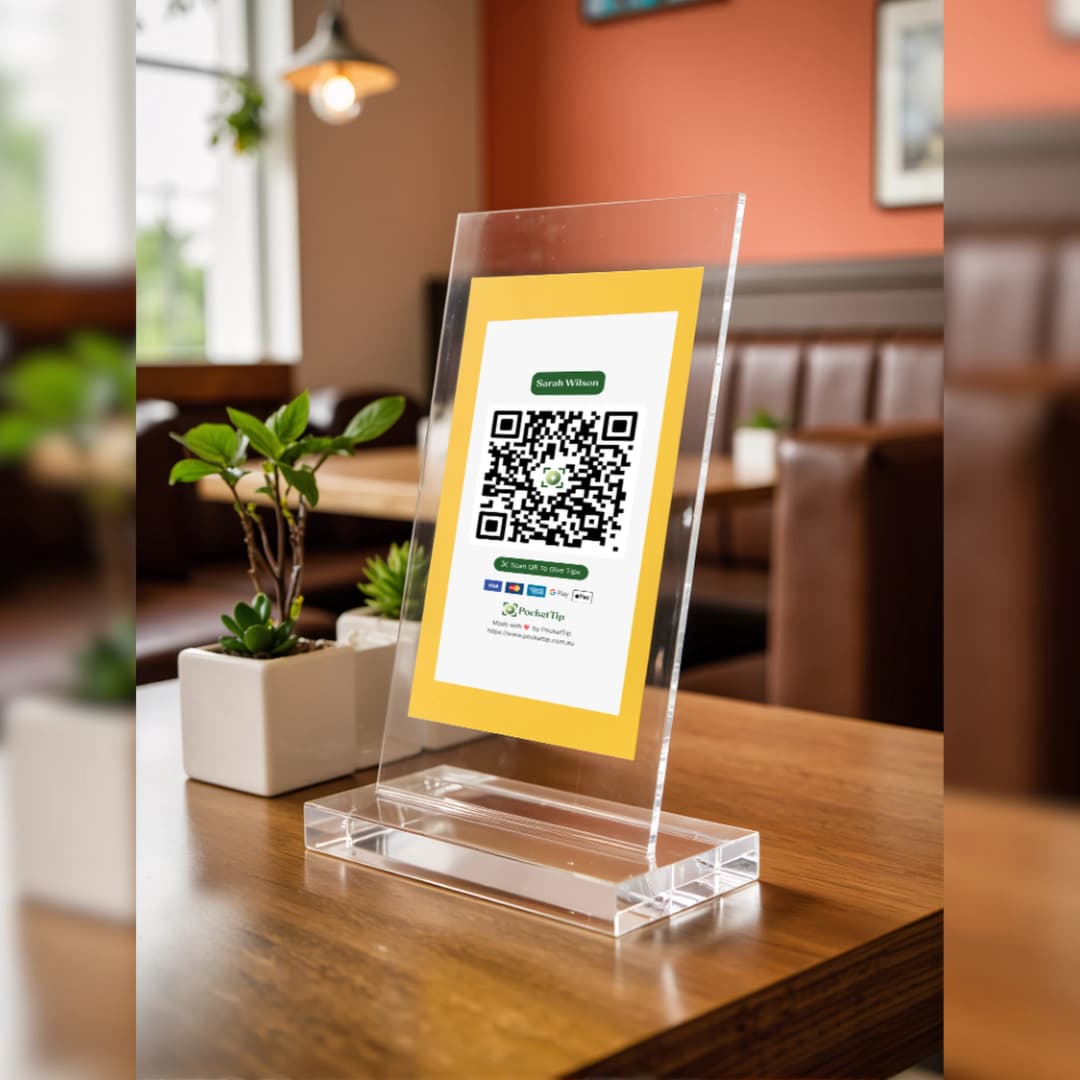
Place your digital tip jar QR code on tables, counters, menus, receipts, or badges. Works in cafés, restaurants, bars, salons, and mobile work across Australia.
Customers scan and pay with their phone
No app downloads or accounts needed. Customers scan your QR code with their phone camera and tip using card, Apple Pay, or Google Pay. The same payment methods they already use.
Weekly payouts to your Australian bank account
Track all cashless tips in your dashboard. Receive weekly payouts directly to your Australian bank account. Simple digital tipping for service workers.
Why QR code tipping works for Australian service workers
- Works with any smartphone camera customers just scan and pay
- Solves the 'no cash' problem for hospitality workers and baristas
- Customers pay with card, Apple Pay, or Google Pay in seconds
- Perfect for cafés, restaurants, bars, rideshare, delivery, and events

"If someone wants to say thanks, it should be easy - and the worker should get paid fast."
- The PocketTip Team
Australia's Cashless Economy is Costing Service Workers Tips
Hospitality workers, baristas, bartenders, and service workers across Australia face the same problem: customers pay with cards and mobile wallets for everything, but tipping still relies on cash. When customers don't carry coins or notes, even excellent service goes unrewarded.
QR code tipping solves this. Customers scan your QR code and pay with card, Apple Pay, or Google Pay. The same digital payment methods they use everywhere else. No cash needed, no awkward conversations.
Customers Don't Carry Cash Anymore
Australian customers want to tip hospitality workers and baristas. They just don't have coins. QR code tipping accepts card, Apple Pay, and Google Pay instead.
Cash Tipping Creates Awkward Moments
When tipping requires finding cash or asking, customers skip it. QR code tipping removes the friction. Scan, choose amount, pay. Natural for service workers and customers.
Venue Systems Delay or Pool Tips
Some restaurant and café payment systems hold tips, route them through venues, or split automatically. QR code tipping goes directly to workers. Your tips, your control.
Existing Tools Built for Venues, Not Workers
Most digital tipping systems are designed for businesses, not hospitality workers. PocketTip is worker-first. Simple, transparent, direct to your Australian bank account.
Set up in minutes. Receive tips instantly.
Create your Tip Page, share your QR code, and receive cashless tips straight to your bank.
1. Create your Tip Page
Add your name, photo, and message then generate your link and QR code in seconds.
2. Share your QR or link
Show your QR code at work or share your link online so people can tip anytime.
3. Receive tips instantly
People tip using card, Apple Pay, or Google Pay, and you receive payouts directly to your bank.
Everything Service Workers Need for Cashless Tips
Built for Australia's cashless economy. Simple QR code tipping system that helps hospitality workers, baristas, bartenders, and service workers earn more across Sydney, Melbourne, Brisbane, and all Australian cities.
Personal Digital Tip Pages
Personalized tip page so customers know exactly which service worker they're tipping. Professional digital tip jar for Australian hospitality workers.
QR Code + Shareable Tip Link
Customers scan your QR code to tip in person, or share your tip link online. Perfect for rideshare drivers, delivery workers, and mobile service workers.
Scan to Pay with Card, Apple Pay, or Google Pay
Customers scan your QR code and pay in seconds using card, Apple Pay, or Google Pay. No app download required. Works with any smartphone.
Direct Australian Bank Payouts
Tips paid directly to your linked Australian bank account weekly. No delays, no venue control. Built for service workers, by service workers.
Automatic Thank You Messages
Send friendly thank you messages automatically after each digital tip. Professional touch for hospitality workers and baristas.
Secure Payment Processing
Bank-grade encryption for all cashless tips. Secure card and mobile wallet payments trusted by Australian service workers and customers nationwide.
Transparent Fees, No Subscriptions
Free for service workers. No monthly fees, no setup costs. Simple transparent pricing for QR code tipping in Australia.
Setup in Under a Minute
Create your digital tip page and start accepting QR code tips immediately. Fast setup for busy hospitality workers and service workers.
Works Everywhere in Australia
Built for cafés, restaurants, bars, salons, rideshare, delivery, events across Sydney, Melbourne, Brisbane, Perth, Adelaide, and all Australian cities.
Professional QR Codes for Digital Tipping Across Australia
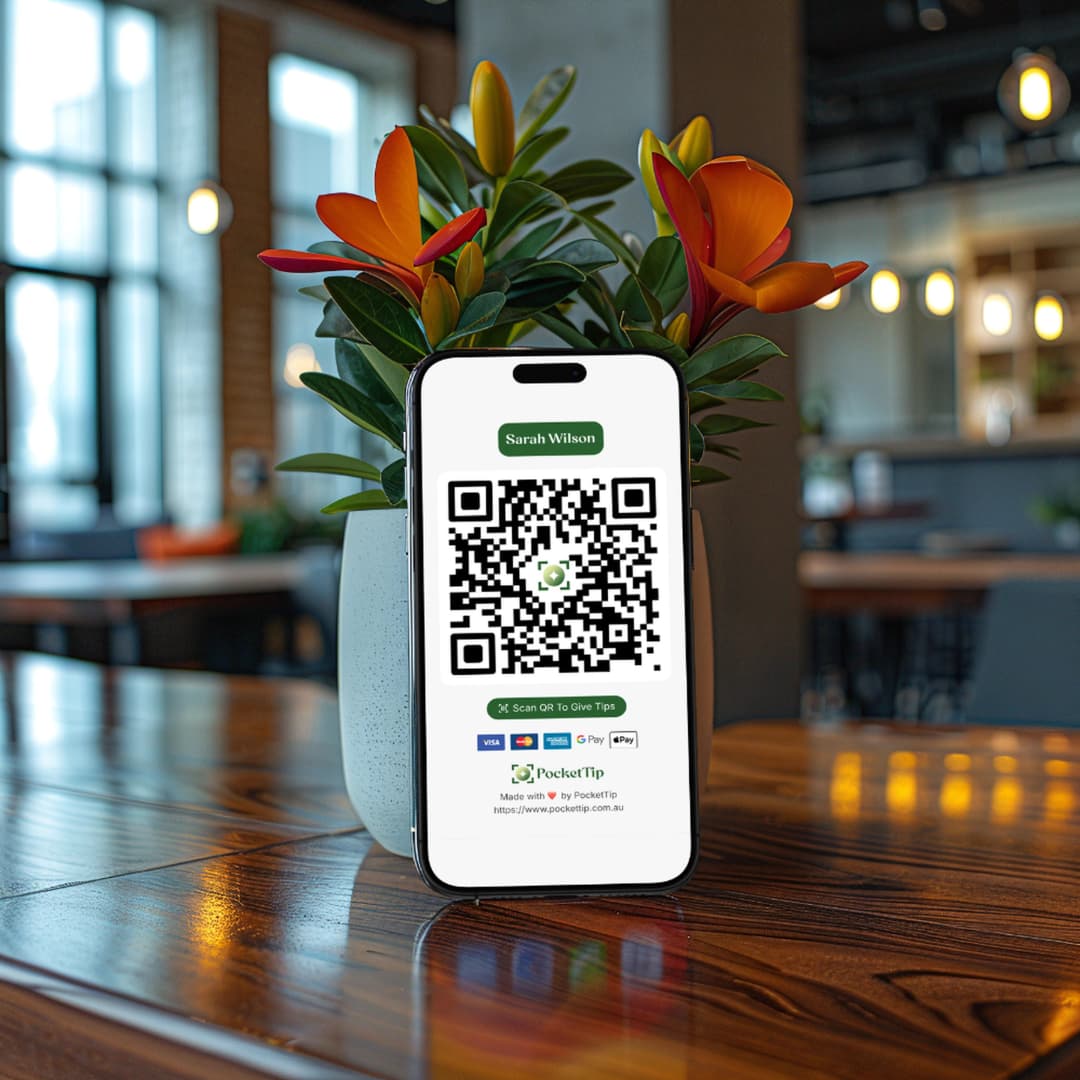
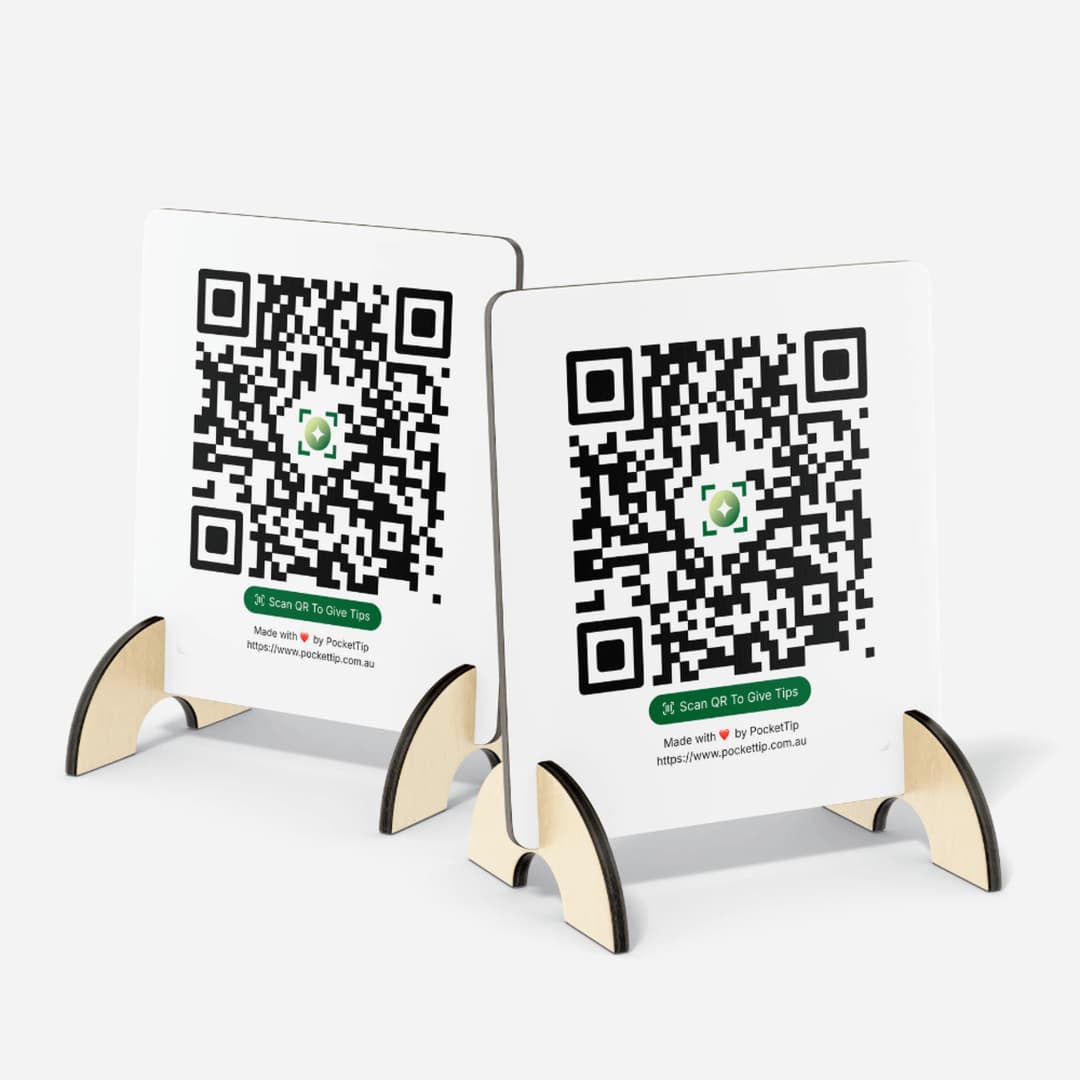
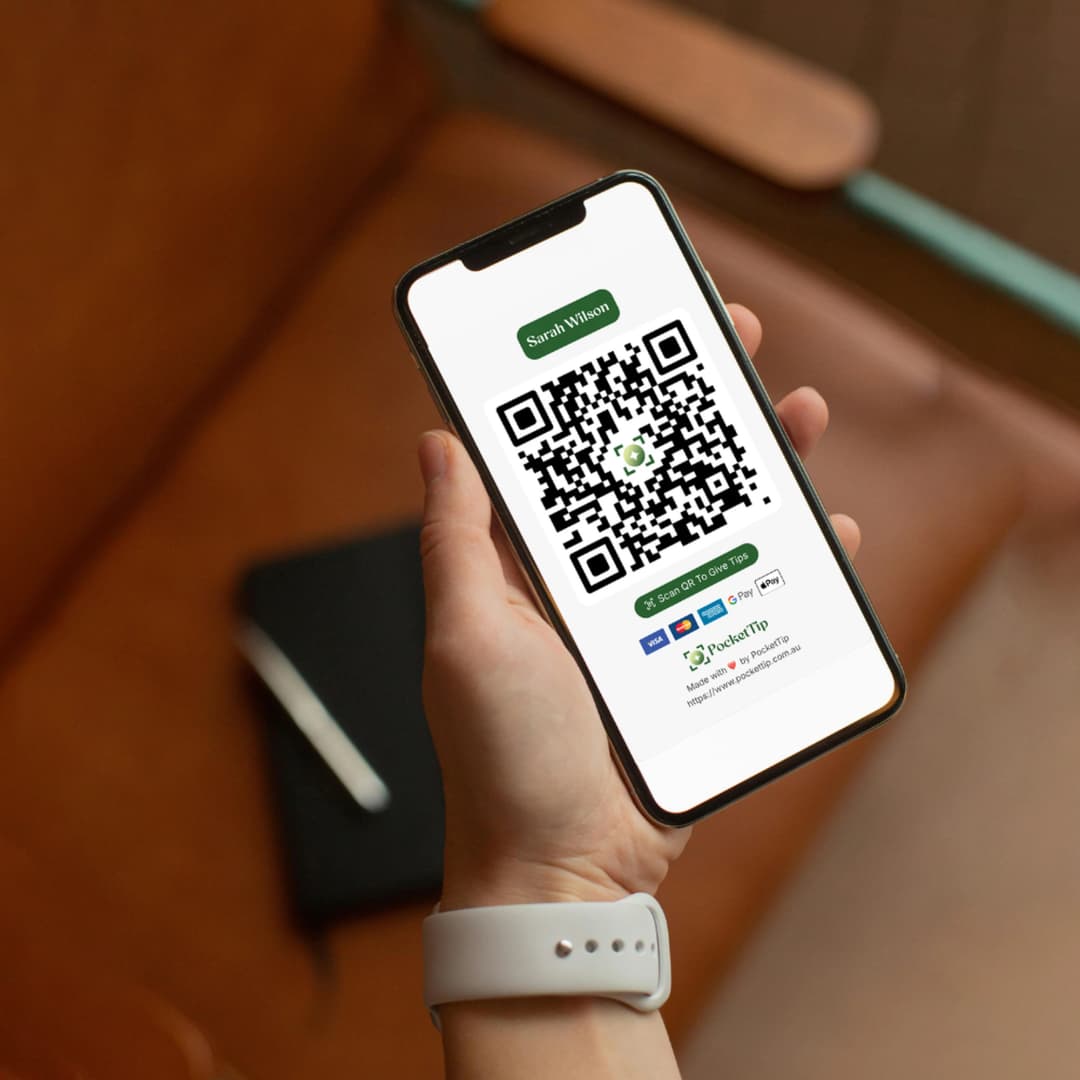
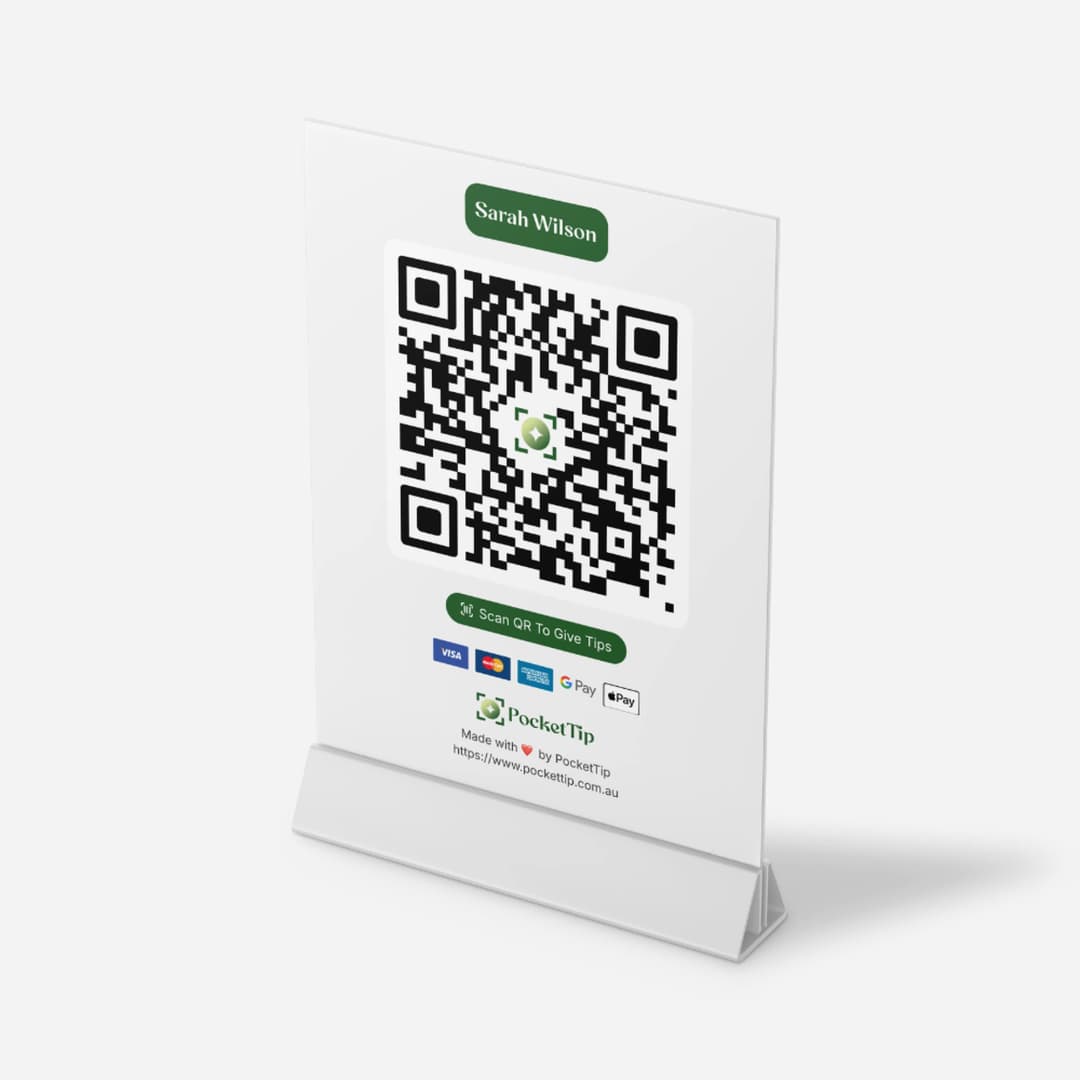
High-quality QR codes for your digital tip page. Print for tables, counters, menus, or display on your phone. Customers scan with their phone camera and pay with card, Apple Pay, or Google Pay. Perfect for hospitality workers, baristas, and service workers across Australian cafés, restaurants, and bars.
- Print-ready QR codes for tables, counters, signage, menus, receipts. Perfect for Australian cafés and restaurants.
- Customers scan with their phone camera and pay using card, Apple Pay, or Google Pay. Works with any smartphone.
- Share your digital tip link online. Perfect for rideshare drivers, delivery workers, mobile service workers.
- Supports all digital payments: card, Apple Pay, Google Pay. No cash needed. Customers just scan and pay.
- Instant notifications every time you receive a digital tip. Track your cashless tips in real-time.
- Customize your digital tip page for your role, venue, or personal brand. Professional for all service workers.
What Our Customers Say
Hear from workers, businesses, and performers who use PocketTip to accept tips easily in a cashless world.
"Since switching to PocketTip, I’ve noticed more customers leaving tips because they don’t need cash anymore. The QR code makes it incredibly easy, and tips go straight to my bank."
"PocketTip has been a game changer during busy shifts. Customers scan, tip, and move on, and I get notified instantly when a tip comes through."
"As a barista, I love how simple PocketTip is. No setup fees, no monthly costs, and customers actually tip more now that it’s cashless."
"We set up a team tip page for our restaurant and it’s been incredibly smooth. Tips are transparent, easy to track, and fairly distributed across the team."
"I use PocketTip while driving rideshare, and passengers love that they don’t need an app or account to tip. It’s fast, simple, and reliable."
"As a street performer, cashless tipping has made a huge difference. I can focus on performing while people tip with their phones."
"PocketTip works perfectly for events. Guests scan the code, leave a tip, and I get paid without having to manage cash all night."
"I use PocketTip in my salon, and clients appreciate being able to tip digitally after their appointment. The experience feels modern and professional."
"Setting up PocketTip took minutes, and it’s worked flawlessly ever since. Weekly payouts and clear tracking make it easy to trust."
"We wanted a simple, fair way to accept tips across our venue, and PocketTip delivered. No hidden fees, no confusion, just easy tipping."

Australian-Built QR Code Tipping Platform for Workers
PocketTip is Australia's QR code tipping platform designed for service workers. Hospitality workers, baristas, bartenders, drivers. Simple to use, secure payments, reliable weekly payouts to your Australian bank.
Frequently Asked Questions
Everything you need to know about PocketTip.
About Cashless Tipping
Understanding digital tipping in Australia
What is cashless tipping in Australia?
How does QR code tipping work in Australia?
Is this the same as a digital tip jar?
Why do Australian workers need digital tipping?
What types of workers use cashless tipping?
Getting Started
Everything you need to begin accepting tips
How do I create a tip page?
Do I need a Stripe account?
How long does setup take?
Is there a mobile app?
Can I customise my tip page?
For Customers
How tipping works for your customers
How do I tip someone?
Are there fees for tipping?
Can I tip anonymously?
What payment methods can I use?
Is tipping safe and secure?
Pricing & Fees
Transparent pricing with no hidden costs
How much does it cost to use PocketTip?
What fees do I pay?
How much are the processing fees?
Are there any hidden costs?
Do I need to pay for a subscription?
Payouts & Money
How you receive your tips
How do I get paid?
How often do I get paid?
Is there a minimum payout amount?
What bank accounts are supported?
How long until I receive my first payout?
Security & Trust
Safe and secure platform
Is PocketTip safe to use?
Who can see my tip page?
What information do you collect?
Can I delete my tip page?
What if I have a problem with a payment?
Using Your QR Code
Display and share your tip page