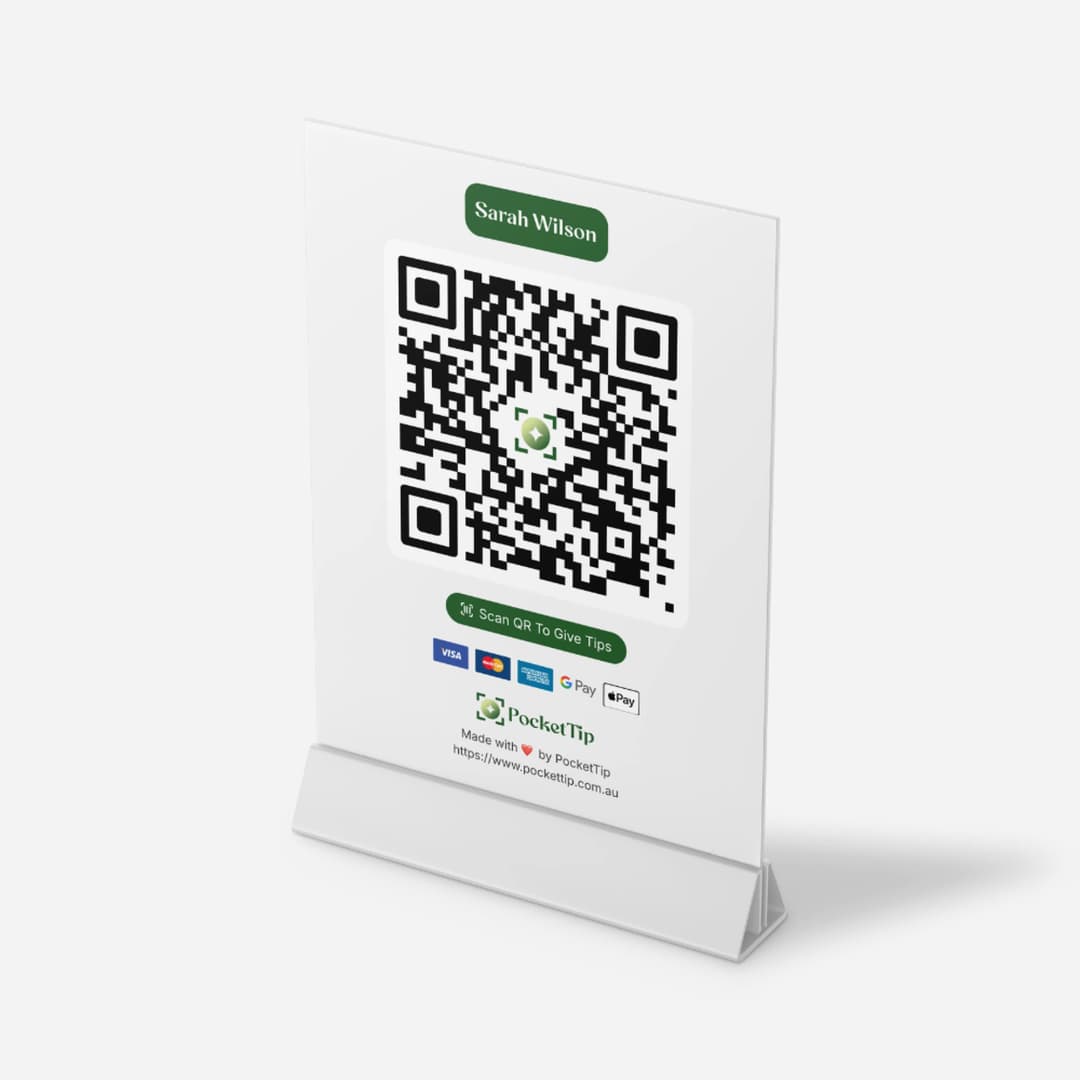

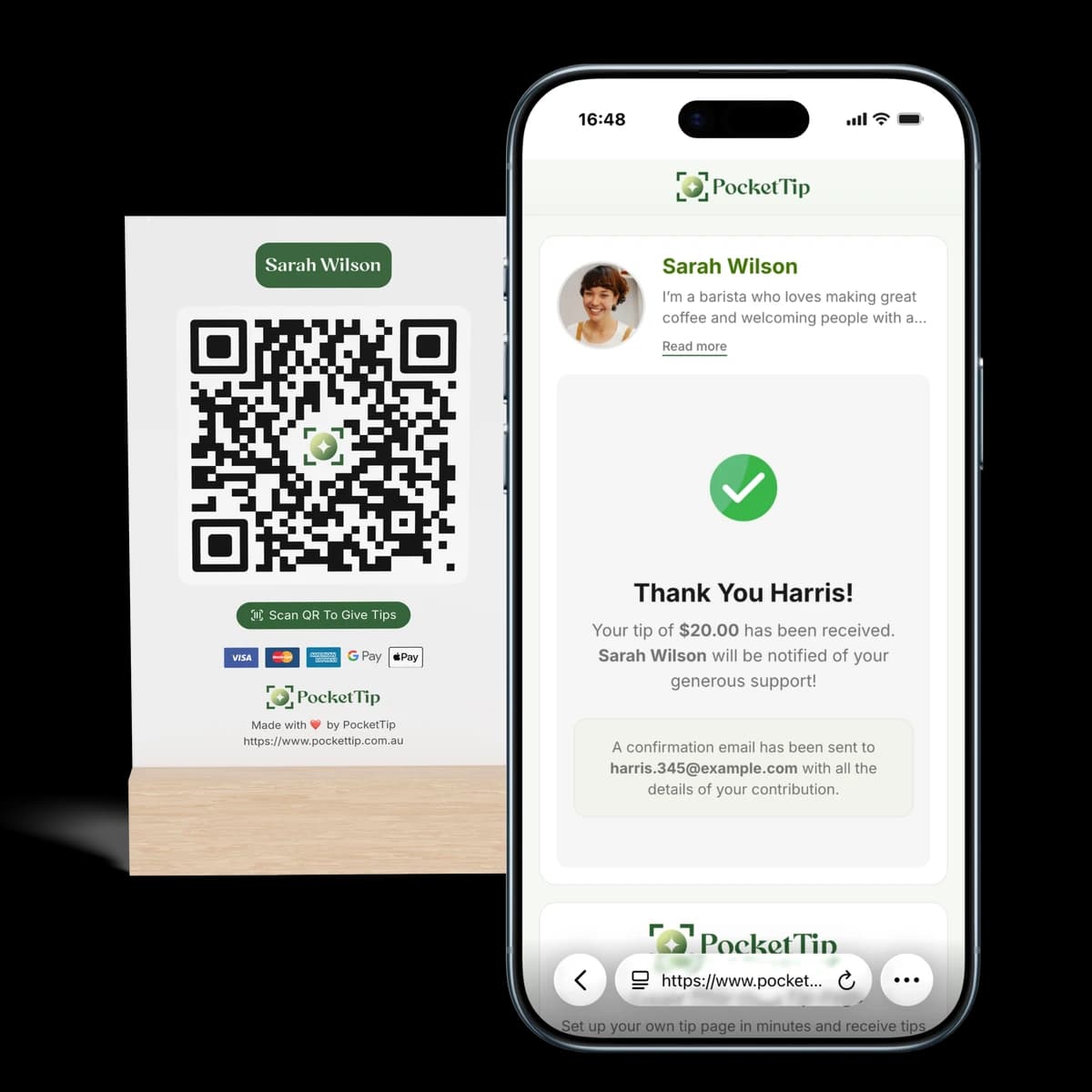
Scan QR to Try Demo
Arrow pointing to QR code
Hero Section

Trusted by Australian service workers

Hospitality Worker: Cashless Tipping Darwin

Step 1
Create
Step 2
Show
Step 3
Get Tipped

PocketTip helps waitstaff, servers, and front-of-house workers earn more tips in Australia's tap-and-go economy. Customers scan your QR code, tip with card, Apple Pay, or Google Pay, and you receive weekly payouts directly to your bank.

No app required for customers
Weekly bank payouts
Personal tips you control

Tip Pages Being Used in Darwin

Explore real tip pages used by workers across Australia

No tip pages found.
Why hospitality workers go cashless

Stop Missing Tips Because Customers Don't Carry Cash

Great service still deserves appreciation, but cash tips are fading fast in Australia's cashless economy. If tipping isn't obvious and effortless, it gets skipped entirely.

PocketTip makes cashless tipping feel natural a simple QR code customers can scan after receiving great hospitality service.

Cash Tips Are Disappearing

Customers want to tip but rarely carry cash anymore. PocketTip captures cashless tips digitally in seconds with QR code tipping.

No Obvious Way to Tip

If people can't see a quick option, they won't tip. A visible QR code makes cashless tipping easy and pressure-free.

Tip Pools Don't Feel Fair

Personal QR code tip pages help you keep what you earn individually and track it clearly with weekly payout tracking.

Waiting for Payouts

Access your tips reliably with weekly direct-to-bank payouts designed to be transparent and dependable.

How it works

Set up in minutes. Receive tips instantly.

Create your Tip Page, share your QR code, and receive cashless tips straight to your bank.

1. Create your Tip Page

Add your name, photo, and message then generate your link and QR code in seconds.

2. Share your QR or link

Show your QR code at work or share your link online so people can tip anytime.

3. Receive tips instantly

People tip using card, Apple Pay, or Google Pay, and you receive payouts directly to your bank.

Cashless tipping for hospitality workers

Professional Digital Tipping for Front-of-House

PocketTip gives hospitality workers a personal tip page, a QR code that works anywhere, and a dashboard to track tips and weekly payouts built for busy shifts.

Personal Tip Page

Customers know exactly who they're tipping perfect for table service, bartenders, and front-of-house hospitality roles.

QR Codes + Links

Use on badges, table tents, receipts, or share your tip link online for repeat customers no app required to scan and tip.

Apple Pay + Google Pay + Card

Customers tip using card or digital wallets the same cashless payment methods they already use every day.

Weekly Bank Payouts

Tips go directly to your Australian bank account weekly with clear tracking and full visibility of your earnings.

Real-Time Notifications

Get notified the moment you're tipped and track your earnings across shifts with your personal dashboard.

Transparent Fees

No subscriptions or hidden costs. The transparent fee is shown at checkout before customers complete their tip.

Testimonials

What Our Customers Say

Hear from workers, businesses, and performers who use PocketTip to accept tips easily in a cashless world.

★★★★★
"Since switching to PocketTip, I’ve noticed more customers leaving tips because they don’t need cash anymore. The QR code makes it incredibly easy, and tips go straight to my bank."
Sarah M.
Hospitality Worker
★★★★★
"PocketTip has been a game changer during busy shifts. Customers scan, tip, and move on, and I get notified instantly when a tip comes through."
James T.
Bar & Bartender
★★★★★
"As a barista, I love how simple PocketTip is. No setup fees, no monthly costs, and customers actually tip more now that it’s cashless."
Emily R.
Cafe
★★★★★
"We set up a team tip page for our restaurant and it’s been incredibly smooth. Tips are transparent, easy to track, and fairly distributed across the team."
Daniel K.
Restaurant Team
★★★★★
"I use PocketTip while driving rideshare, and passengers love that they don’t need an app or account to tip. It’s fast, simple, and reliable."
Michael L.
Rideshare Driver
★★★★★
"As a street performer, cashless tipping has made a huge difference. I can focus on performing while people tip with their phones."
Luca P.
Busker & Performer
★★★★★
"PocketTip works perfectly for events. Guests scan the code, leave a tip, and I get paid without having to manage cash all night."
Olivia S.
Event Staff
★★★★★
"I use PocketTip in my salon, and clients appreciate being able to tip digitally after their appointment. The experience feels modern and professional."
Hannah W.
Salon & Beauty
★★★★★
"Setting up PocketTip took minutes, and it’s worked flawlessly ever since. Instant payouts and clear tracking make it easy to trust."
Aaron B.
Independent Service Provider
★★★★★
"We wanted a simple, fair way to accept tips across our venue, and PocketTip delivered. No hidden fees, no confusion, just easy tipping."
The Corner Bar Team
Hospitality Team
Hospitality QR Code Tipping

A QR Code Customers Actually Use

Place your QR code where customers naturally look on the table, receipt, counter, or your badge. They scan to tip in seconds.

  • Print-ready QR codes for tables, badges, and receipts
  • Customers scan and tip cashless in seconds no app required
  • Share your tip link for regulars and repeat customers
  • Card, Apple Pay, and Google Pay supported for cashless tipping
  • Get notified the moment tips come through
  • Personalise your page with your name and hospitality role
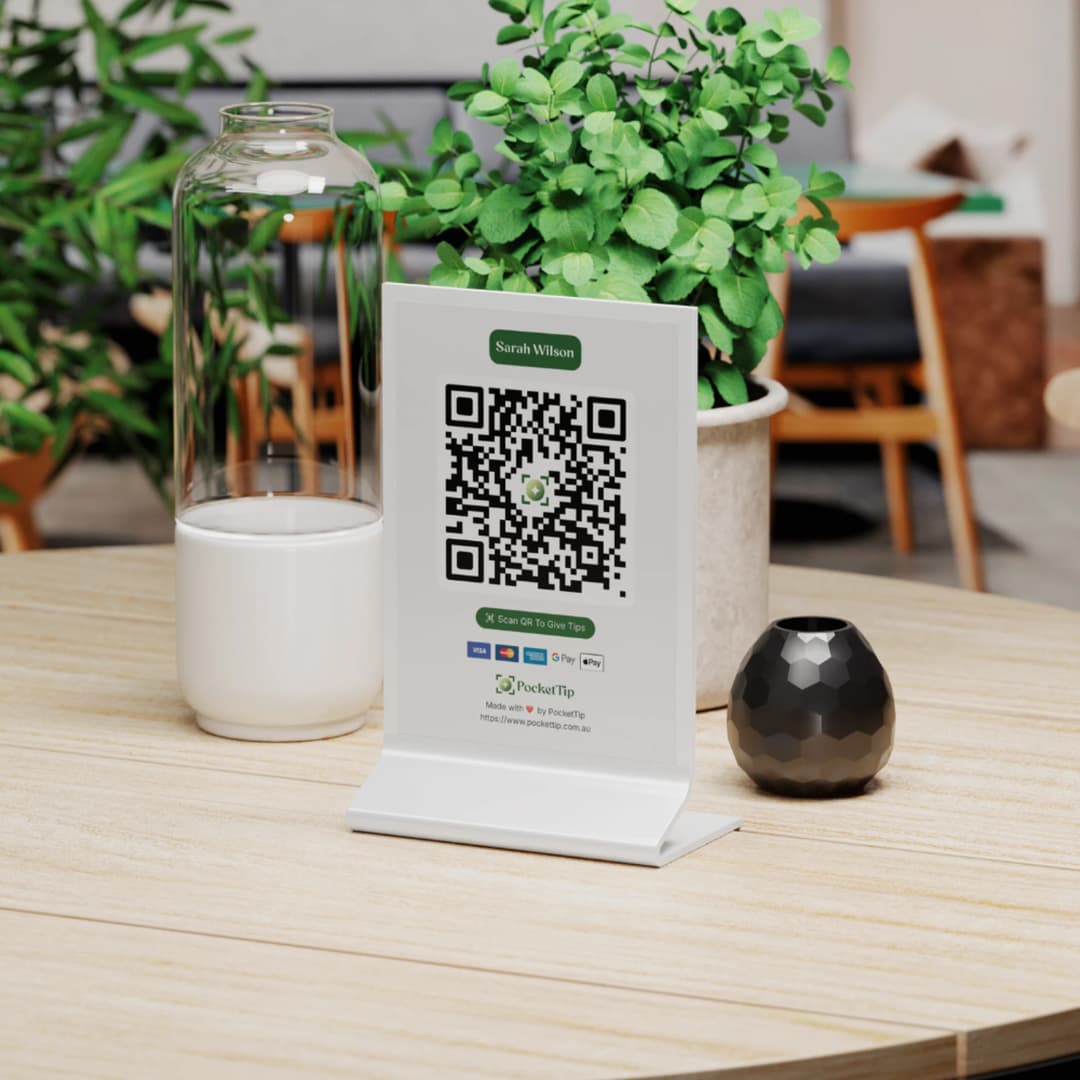
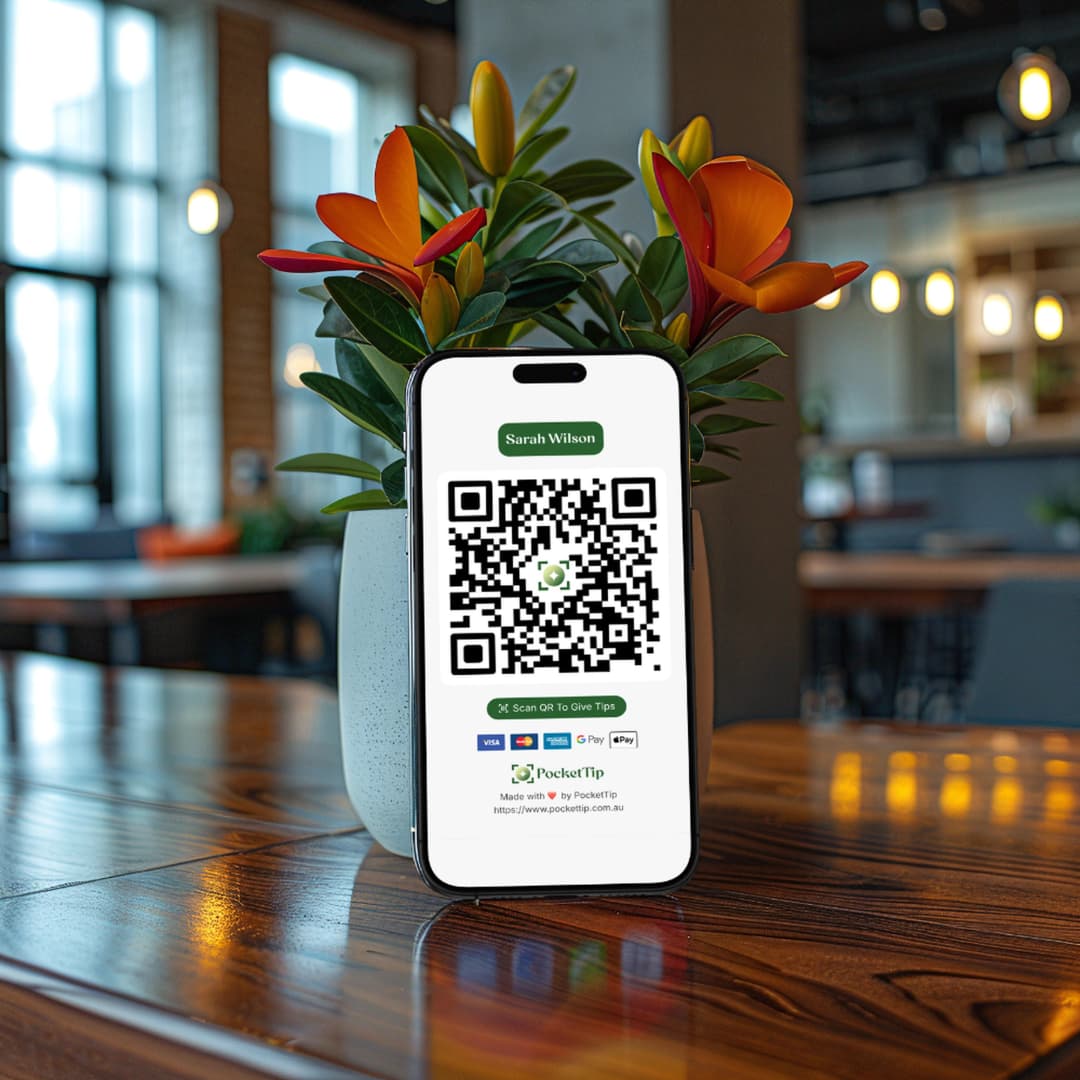
PocketTip QR Code on Cafe Table
PocketTip QR Code on Phone
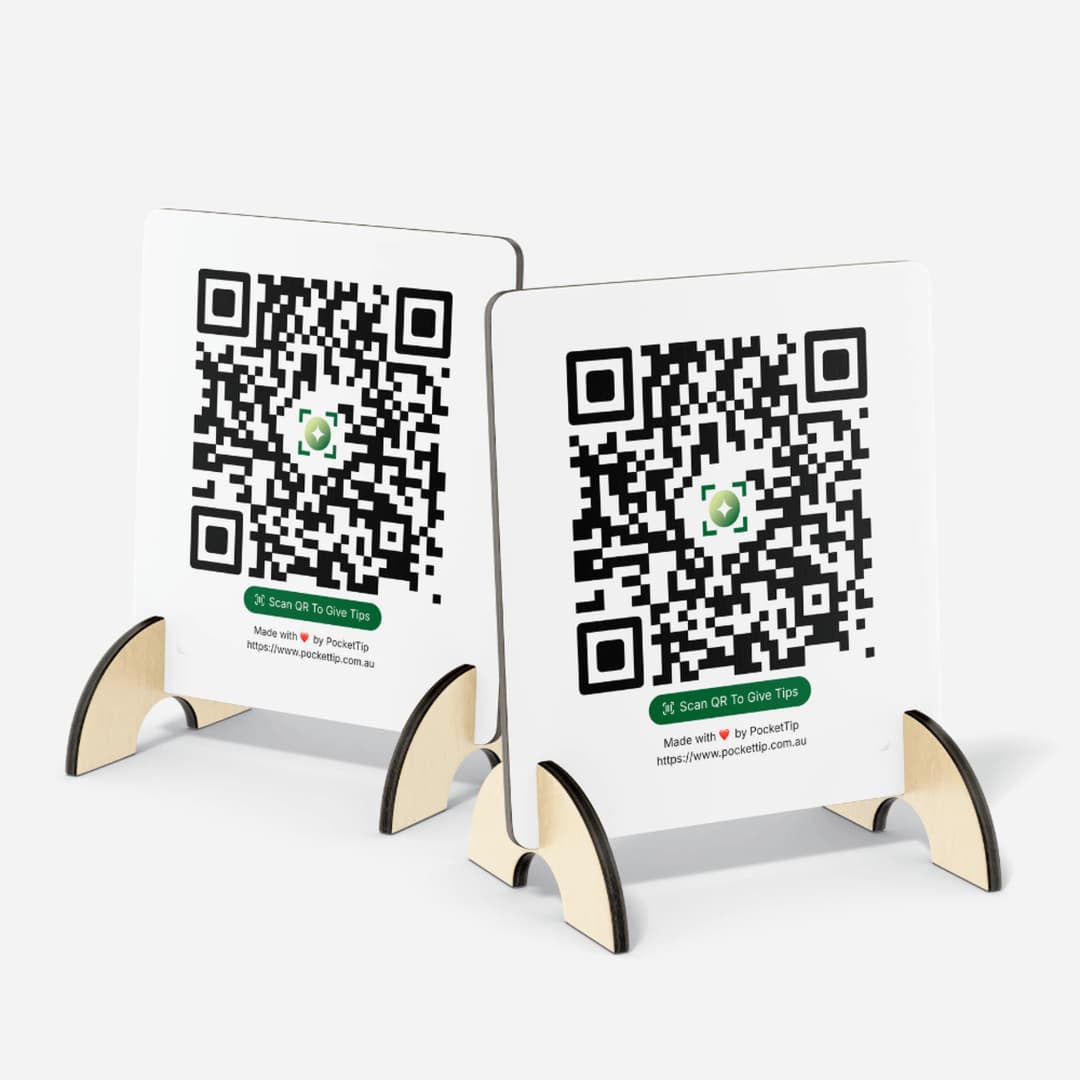
PocketTip Wooden QR Stands
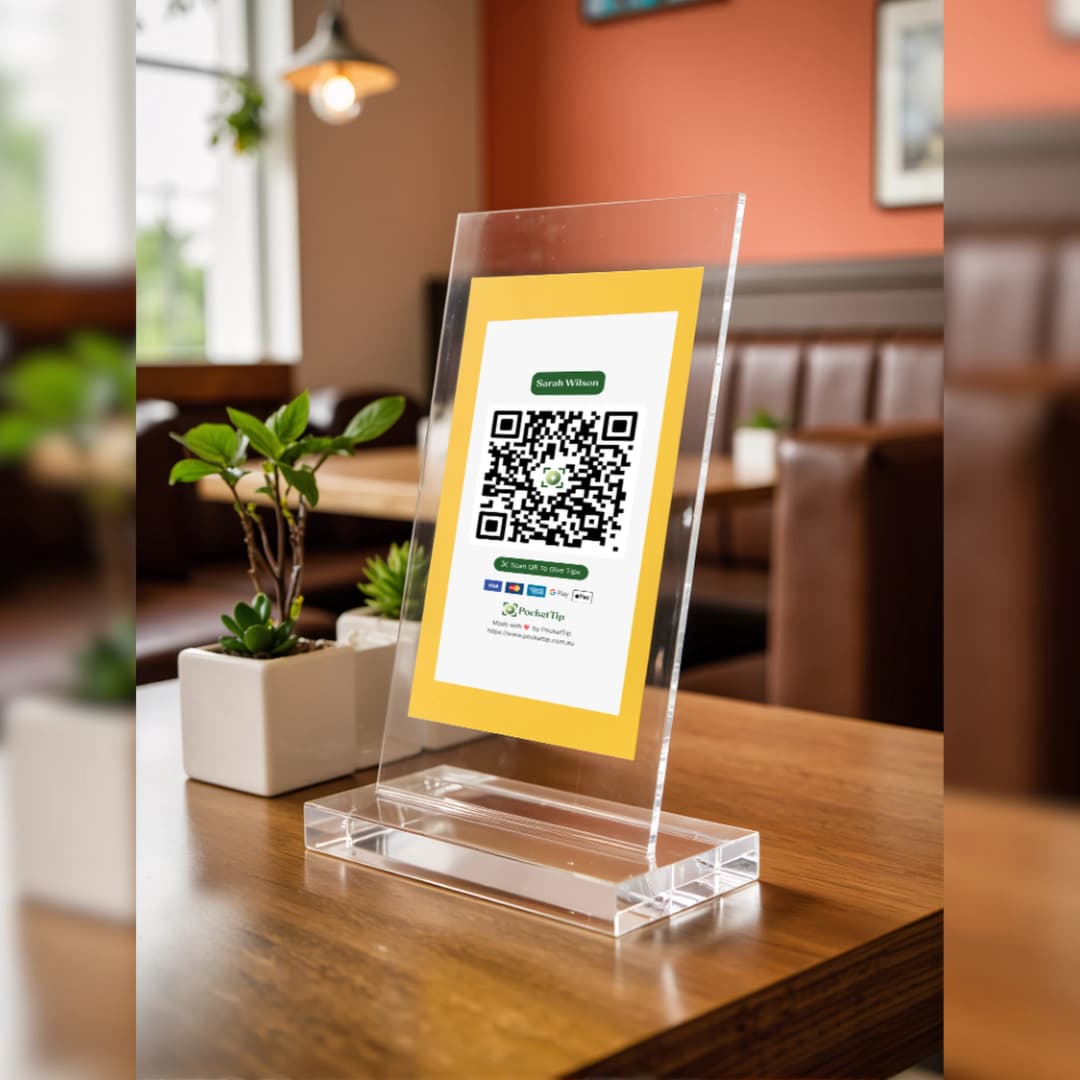
PocketTip Acrylic QR Display
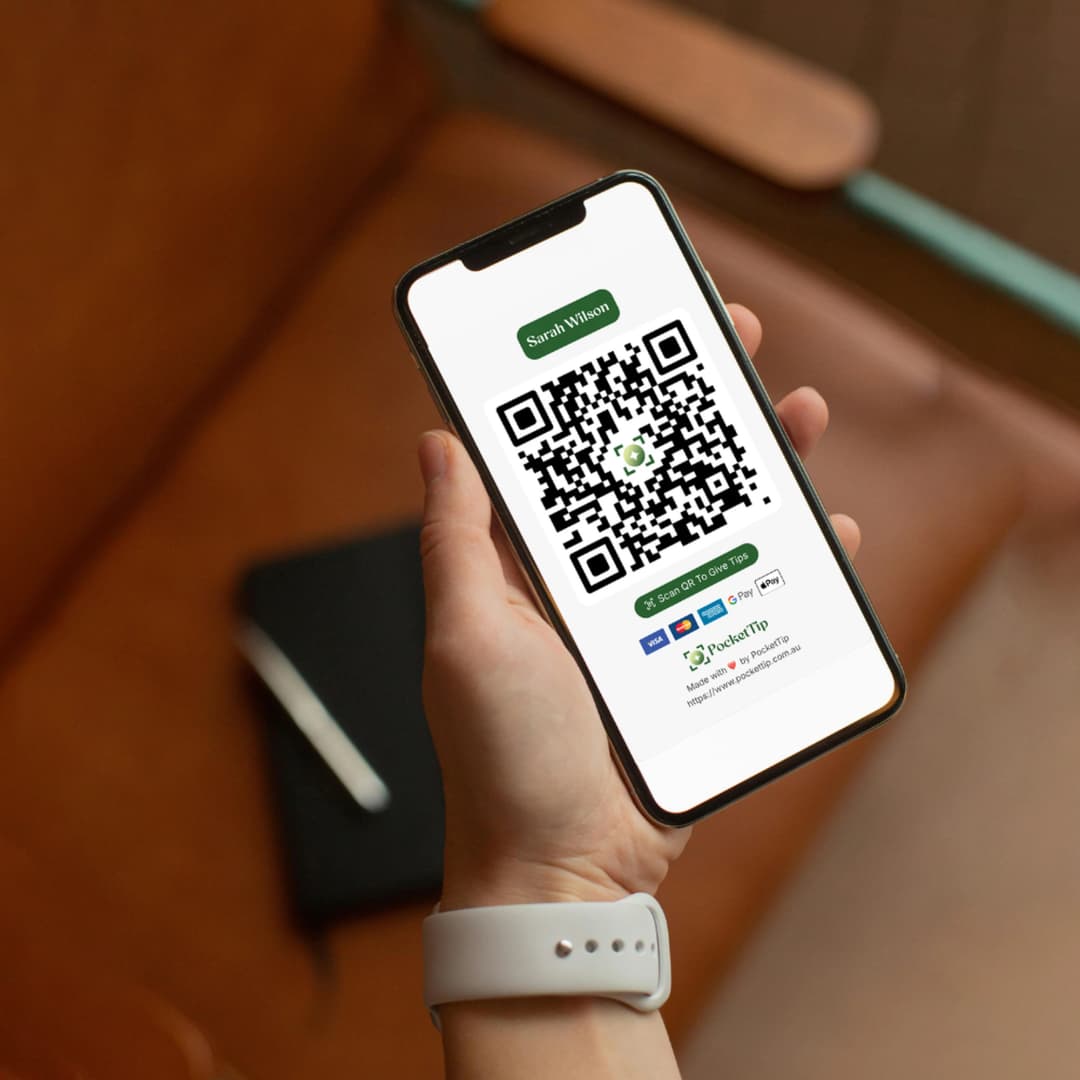
Customer Scanning PocketTip QR Code
PocketTip QR Code Table Stand
Australian hospitality tipping

Trusted, Secure, Australian-Built

PocketTip is built for Australian hospitality workers with secure encrypted payments via Stripe and dependable weekly payouts you can trust.

FAQ

Frequently Asked Questions

Everything you need to know about PocketTip.

Hospitality Worker FAQs

FAQs specific to the Hospitality Worker cashless tipping

How does QR code tipping work for hospitality workers?
As a hospitality worker, you'll receive a unique QR code that customers can scan with their phone camera. They can then tip you using card, Apple Pay, or Google Pay in seconds. You can print your QR code to display at your station, wear it on a badge, or share the link digitally.
Can I use PocketTip if I work at multiple venues?
Absolutely! Your PocketTip account and QR code work anywhere. Whether you work shifts at multiple restaurants, bars, or cafes, you have one consistent tip page that follows you everywhere. All tips go to your linked bank account regardless of which venue you're working at.
When do I receive my hospitality tips?
Tips are paid out weekly every Tuesday to your linked Australian bank account. You'll receive instant notifications whenever someone tips you, and you can track all your earnings in real-time through your PocketTip dashboard.
Is PocketTip suitable for front-of-house and back-of-house staff?
Yes! PocketTip works for all hospitality workers including servers, hosts, kitchen staff, bar backs, food runners, and support staff. Everyone can have their own tip page, or your venue can set up a team tip page for shared tipping.
Do I need permission from my employer to use PocketTip?
While PocketTip is free to use as an individual, we recommend checking with your employer about their tipping policies. Many venues encourage digital tipping as it's convenient for customers and transparent for staff. Some venues also set up team tip pages through PocketTip.

About Cashless Tipping

Understanding digital tipping in Australia

What is cashless tipping in Australia?
Cashless tipping is a digital way for customers to tip service workers using card, Apple Pay, or Google Pay instead of cash. QR code tipping platforms like PocketTip make it easy for Australian workers to accept tips in our tap-and-go economy.
How does QR code tipping work in Australia?
QR code tipping works by linking a QR code to a digital tip page. When a customer scans the code with their phone camera, they open your tip page and can tip using card or mobile wallets without cash. It's the modern digital tip jar for Australia's cashless economy.
Is this the same as a digital tip jar?
Yes. PocketTip works like a digital tip jar customers scan your QR code and tip cashlessly using card, Apple Pay, or Google Pay. It's designed for Australian service workers who want to accept cashless tips.
Why do Australian workers need digital tipping?
Most Australians don't carry cash anymore. Cashless tipping with QR codes lets customers tip service workers using the same tap-and-go payment methods they already use for everything else. It removes the 'I don't have cash' problem.
What types of workers use cashless tipping?
Cashless tipping is used across Australian hospitality workers, café baristas, restaurant servers, bartenders, rideshare drivers, delivery workers, salon staff, performers, event staff, and more anywhere customers want to say thanks in a cashless way.

Getting Started

Everything you need to begin accepting tips

How do I create a tip page?
Creating a tip page on PocketTip is free and takes about 60 seconds. Sign up, choose your event type, add your details, and you'll get a unique QR code and shareable link. No technical skills needed.
Do I need a Stripe account?
No separate Stripe account needed. We use Stripe Connect to handle payments securely. You'll complete a simple onboarding process to receive payouts directly to your Australian bank account.
How long does setup take?
Setup takes about 60 seconds to create your tip page. Stripe Connect onboarding (required for payouts) takes 5-10 minutes and can be done anytime before your first tip. You can start sharing your QR code immediately.
Is there a mobile app?
No app needed. Your tip page works perfectly in any web browser on any device. Customers scan your QR code and tip directly through their phone's browser using card, Apple Pay, or Google Pay.
Can I customise my tip page?
Yes. You can add your name, photo, event details, welcome message, and choose colours to match your style. Make it personal so customers know they're tipping the right person.

For Customers

How tipping works for your customers

How do I tip someone?
Scan the QR code with your phone camera or tap the link. Choose a tip amount (or enter custom), add an optional message, and pay with card, Apple Pay, or Google Pay. The whole process takes about 30 seconds.
Are there fees for tipping?
Small processing fees apply (similar to buying coffee with card). Fees are shown upfront before you confirm payment. The person receiving the tip gets 100% of the tip amount you enter.
Can I tip anonymously?
Yes. You can choose to leave your name or tip anonymously. Either way, the person receiving the tip gets a notification and can see your message (if you leave one).
What payment methods can I use?
You can tip using any major credit or debit card, Apple Pay, Google Pay, or other mobile wallets. All payments are processed securely through Stripe.
Is tipping safe and secure?
Yes. All payments are processed securely through Stripe, the same payment system used by millions of businesses worldwide. We never store your full card details.

Pricing & Fees

Transparent pricing with no hidden costs

How much does it cost to use PocketTip?
Creating and using your tip page on PocketTip is completely free. There are no monthly fees, no setup costs, and no subscriptions. You only pay small processing fees when someone tips you (similar to card transaction fees).
What fees do I pay?
You don't pay any fees. The person leaving the tip pays small processing fees (shown upfront). You receive 100% of the tip amount they enter. No service fees, no monthly costs, no hidden charges.
How much are the processing fees?
Processing fees vary by country and payment method, typically around 2-3% plus a small fixed fee (similar to standard card transaction fees). Fees are always shown to the tipper before they confirm payment.
Are there any hidden costs?
No hidden costs. Creating your tip page is free. You receive 100% of tips. The only fees are small processing fees paid by the person leaving the tip (shown upfront). No monthly fees, no setup costs, no surprises.
Do I need to pay for a subscription?
No subscriptions required. ${process.env.NEXT_PUBLIC_PRODUCT_NAME} is free to use forever. Create unlimited tip pages, generate QR codes, and accept tips with no monthly or annual fees.

Payouts & Money

How you receive your tips

How do I get paid?
Tips are automatically transferred to your Australian bank account via weekly payouts. You'll complete a simple Stripe Connect onboarding to link your bank account. Payouts happen automatically every week.
How often do I get paid?
Payouts happen weekly. Tips received during the week are automatically transferred to your bank account. You'll receive an email notification when each payout is processed.
Is there a minimum payout amount?
No minimum payout amount. All tips are automatically included in your weekly payout, regardless of the amount. Even small tips are transferred to your bank account.
What bank accounts are supported?
We support all major Australian banks. You can link any Australian bank account during Stripe Connect onboarding. Payouts are processed via direct bank transfer.
How long until I receive my first payout?
Your first payout typically arrives 7-10 days after your first tip (to allow for processing and bank transfers). Subsequent payouts happen weekly. You'll receive email notifications for each payout.

Security & Trust

Safe and secure platform

Is PocketTip safe to use?
Yes. We use Stripe, one of the world's most trusted payment processors, to handle all payments securely. Your bank details are never stored on our servers. All transactions are encrypted and secure.
Who can see my tip page?
Only people with your QR code or link can access your tip page. You can make your page public (anyone can find it) or keep it private (only people with the link can access it).
What information do you collect?
We collect basic information needed to create your tip page (name, email) and process payouts (bank details via Stripe). We never share your information with third parties except as needed to process payments.
Can I delete my tip page?
Yes. You can delete your tip page or account at any time from your dashboard. Deleted pages stop accepting tips immediately, and any pending payouts will still be processed.
What if I have a problem with a payment?
Contact our support team if you have any issues with payments or payouts. We use Stripe's secure payment system, which includes fraud protection and dispute resolution.

Using Your QR Code

Display and share your tip page

How do I print my QR code?
Download your QR code as an image from your dashboard, then print it like any photo. You can print it on paper, stickers, or professional signage. The QR code never expires.
Where should I display my QR code?
Display your QR code where customers can easily see and scan it: on your counter, table, receipt, or tip jar. Make it visible and accessible. Many venues print it on a small sign or sticker.
Can I share my tip page link online?
Yes. You can share your tip page link on social media, in emails, or anywhere online. Customers can tip directly from the link without needing to scan a QR code.
Does my QR code expire?
No. Your QR code never expires. Once created, it works forever. You can use the same QR code for years, print it on multiple signs, or share it anywhere.
Can I have multiple tip pages?
Yes. You can create unlimited tip pages for different events, venues, or purposes. Each page has its own QR code and link. Perfect for different jobs or events.

PocketTip SEO Guide

Explore cashless tipping across Australia

Looking for more ways to use QR code tipping in Darwin? Explore our complete guide to cashless tipping in Australia, including role-based pages and city pages.

You’re viewing: Hospitality Worker in Darwin
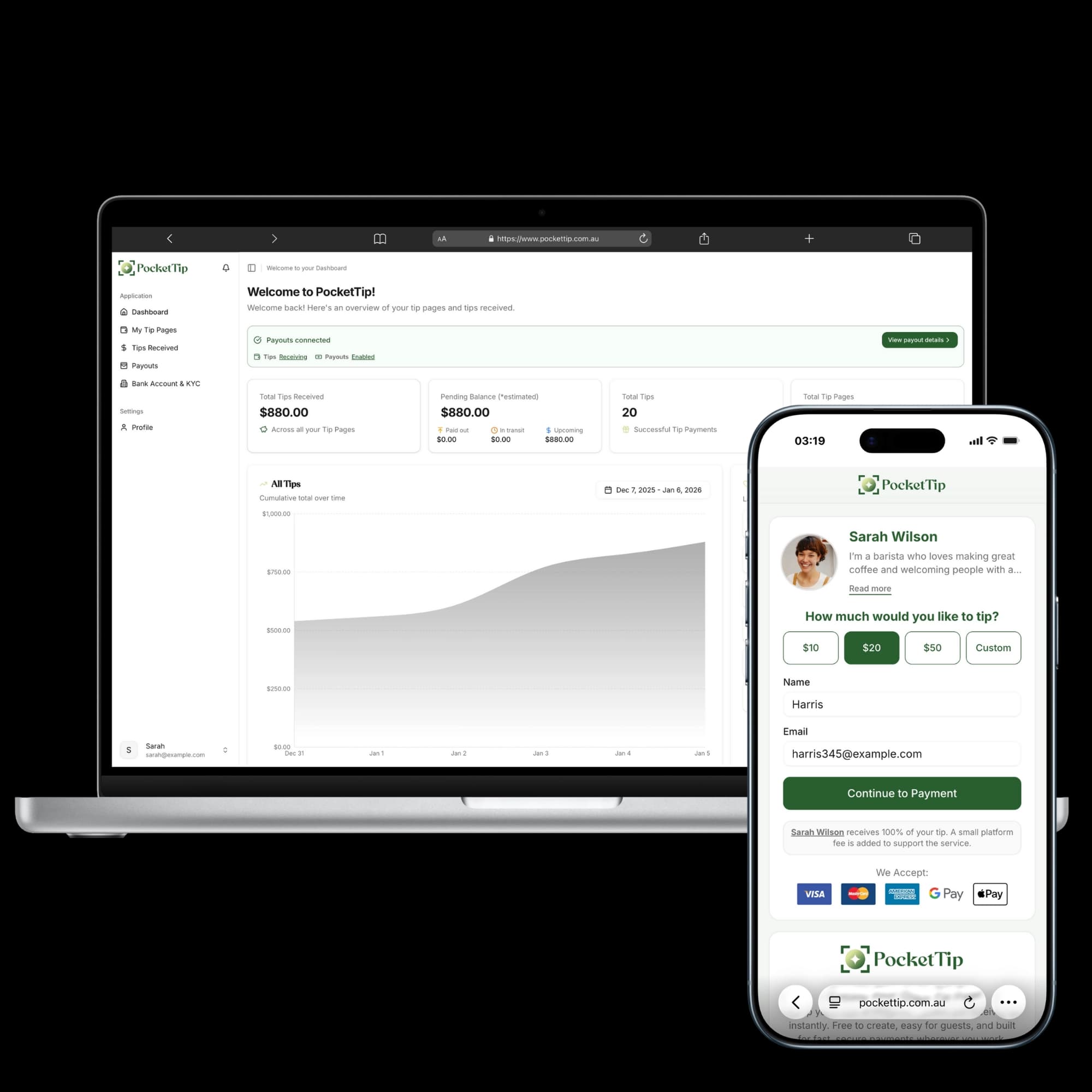
PocketTip hospitality dashboard
PocketTip Logo

Start Accepting Cashless Tips Tonight

Create your hospitality QR code tip page in under a minute and start earning cashless tips from customers who would normally say 'I don't have cash.'